Study group selection - Sisu
With some implementations, teaching group selections are made in Sisu.
When the teaching group selection for the implementation is made in Sisu, follow the instruction for choosing teaching groups.
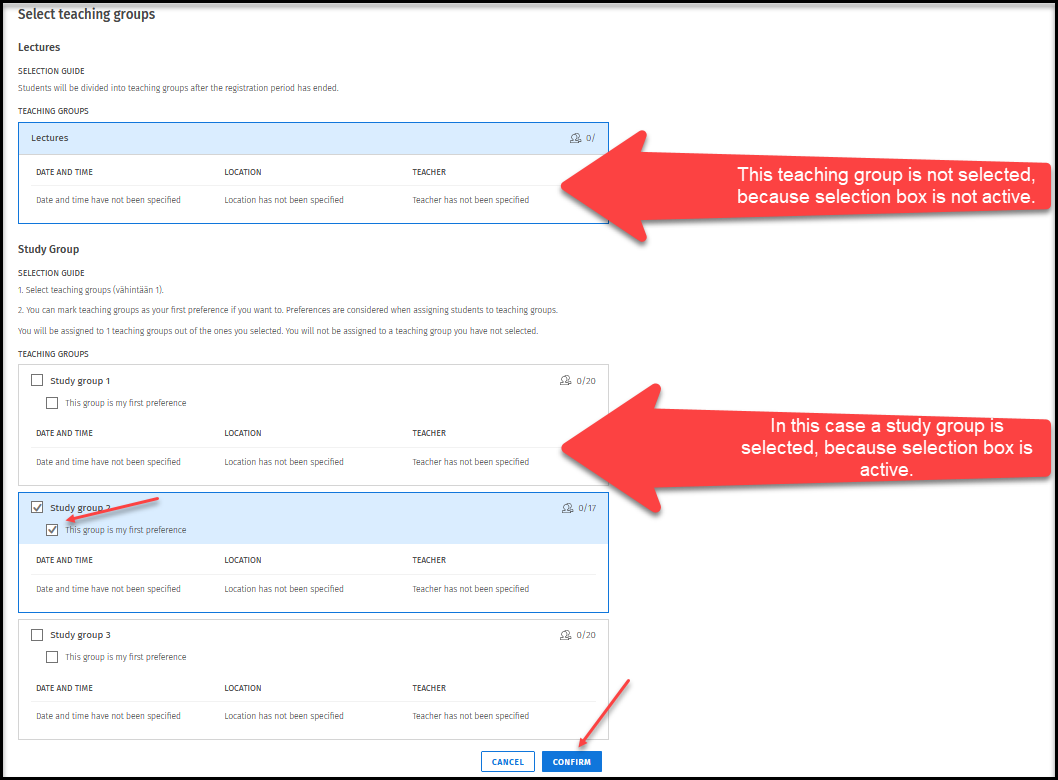
Selections are made according to the instructions for those teaching groups where the selection box is active. An implementation may have several different sets of study groups, and it may be that only some of them need to be selected.
For example (Figure 1): This implementation has Lectures and Practice Group. There is no teaching group selection for the lectures because the selection box is not active. Training groups are selected, as the selection box is active. One group is selected, after which the registration is confirmed.
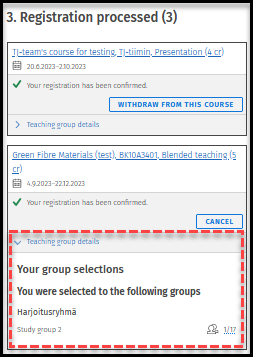
Once your registration has been confirmed, you will see which teaching group you have been placed in (picture 2).