Scheduling your study plan - Sisu
First, complete your personal study plan (PSP) on the Structure of studies page. Make sure that you are viewing and editing the same primary PSP on both the Timing and Study Structure pages.
1. Study plan can be changed via arrow
2. Shows information on the study plan for witch the timeline is being added
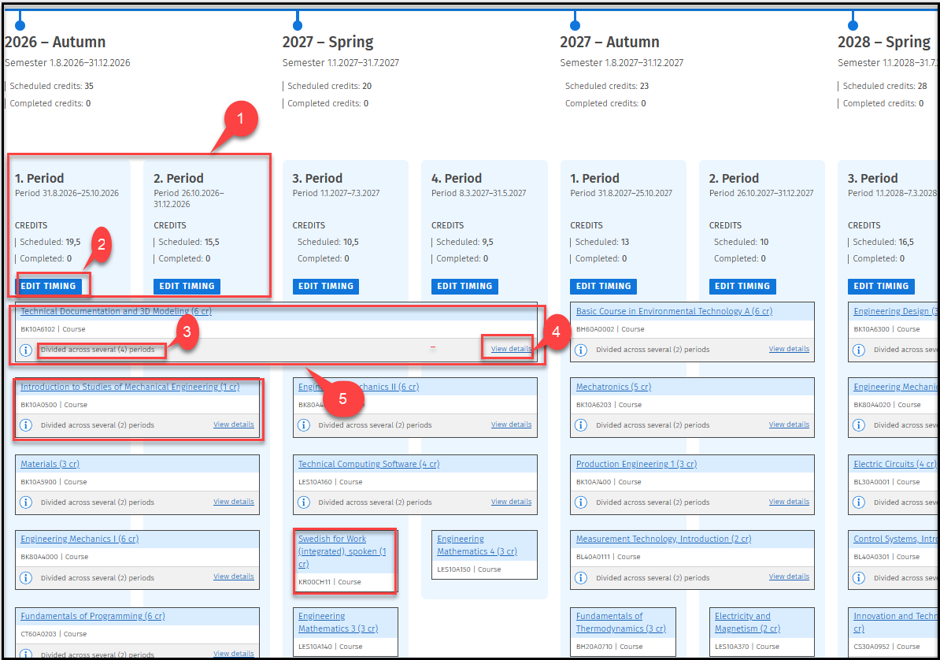
3. Scheduled credits
4. Completed credits
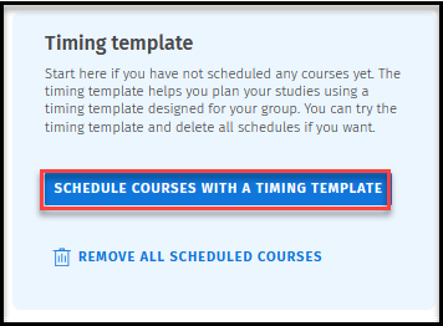
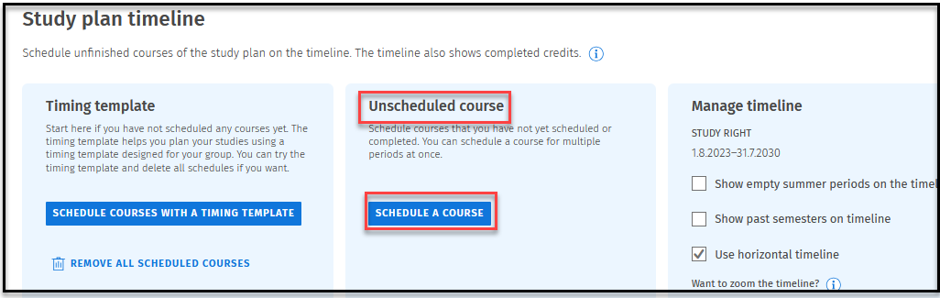
5. Schedule courses with a timing template
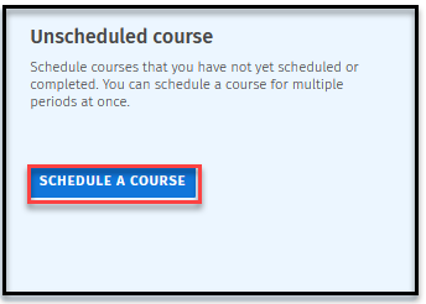
6. Unscheduled courses
7. Using horizontal timeline
8.Show pas semesters on timeline
9.Show empty summer periods on the timeline
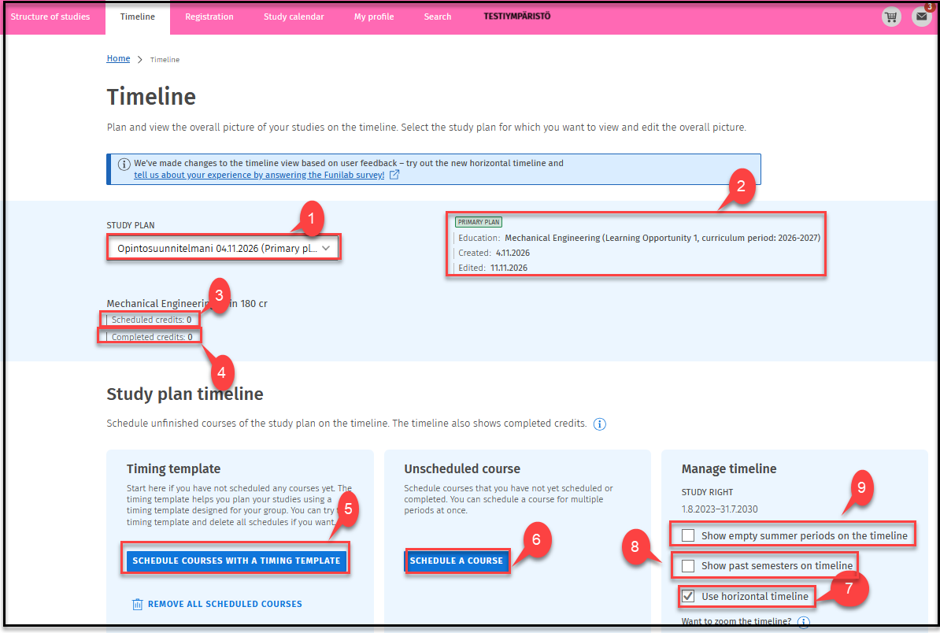
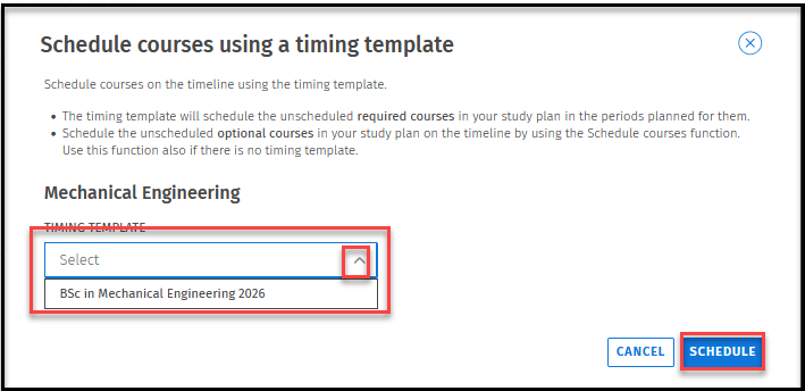
5. Select the Timeline and click Schedule courses with a timing template.
7. choose between vertical or horizonal timeline
8. Show past semesters timeline
9. Show empty summer periods on the timeline